Siren Help
Siren helps coaches run their junior AFL, netball or rugby league season, from setting up squads and scheduling games, to running rotations live on the sideline and reviewing fairness stats after the game. Use the topics on the left (or the menu above on mobile) to find what you need.
New to Siren?
Start with the Getting Started guide. It walks you through signing in, creating your team, adding players, and running your first game.
Start here →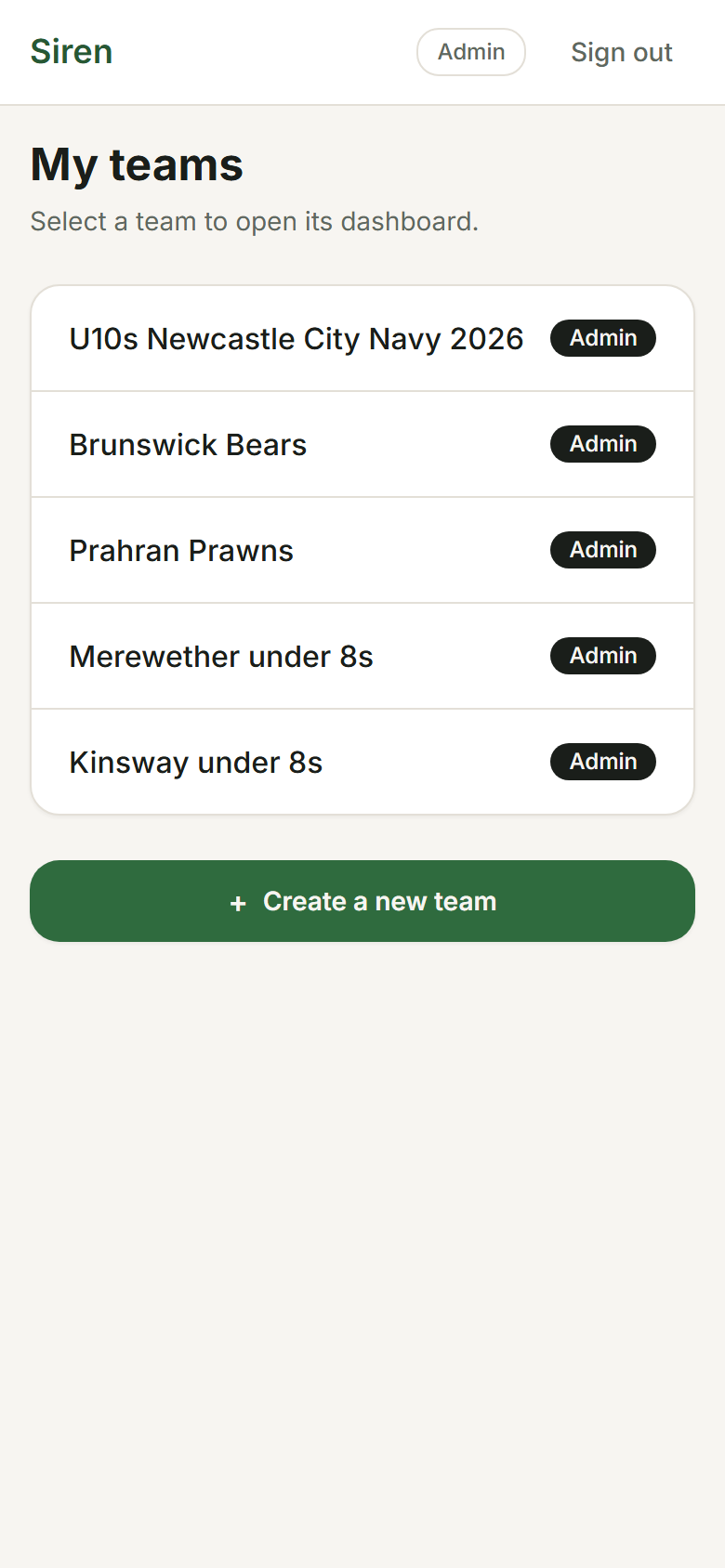
Most-used topics
- 🚀
Getting Started
Sign in, create your first team, add players, and schedule a game.
- 🏟️
Live Game
Running a game: the on-area view, scoring, subs, and the breaks between quarters or halves.
- 🔄
Rotations
How suggested rotations work, badges, position colours, and locks.
- 📊
Stats
Per-player stats, season balance, scoring by period, and attendance.
- ❓
FAQ
Quick answers to the most common questions.
All topics
Getting Started
Sign in, create your first team, add players, and schedule a game.
Teams
Creating and managing teams, age groups, admin roles, and settings.
Squads
Adding players, editing details, managing availability.
Games
Creating games, editing details, and tracking game status.
Live Game
Running a game: the on-area view, scoring, subs, and the breaks between quarters or halves.
Rotations
How suggested rotations work, badges, position colours, and locks.
Stats
Per-player stats, season balance, scoring by period, and attendance.
Track Scoring
The Track scoring toggle and what it unlocks.
FAQ
Quick answers to the most common questions.
Troubleshooting
Common issues and how to fix them.